
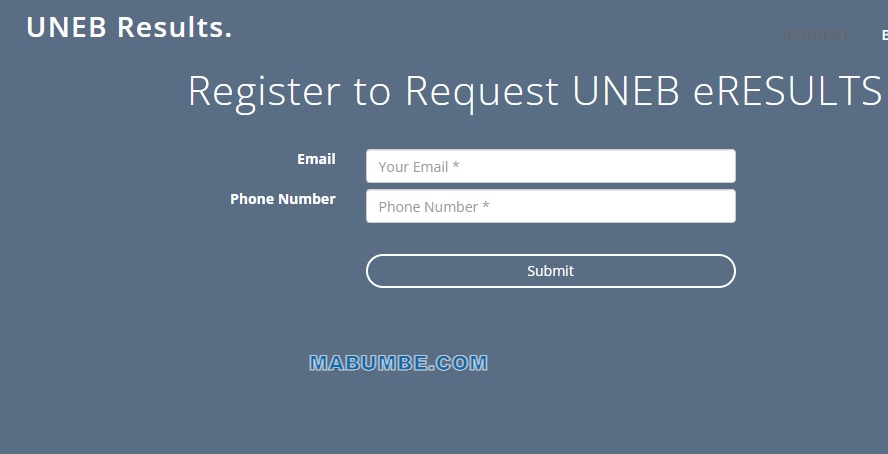
Check your PLE results 2023/2024 in Uganda with ease using an SMS method. Follow these simple steps to get your results in no time. PLE Results via SMS and USSD code.
Checking your Uganda Primary Leaving Examination (PLE) results can be a stressful experience. Fortunately, the Uganda National Examination Board (UNEB) provides a range of options to check your PLE results quickly and easily. This guide will provide you with step-by-step instructions on how to register, pay the fee, and check your results. It is important to remember that the results will be available on the Uganda National Examinations Board (UNEB) website, and you will need to have access to a mobile phone and a valid phone number in order to check your results. Today Friday 27 January 2023 PLE results 2023/2024 Uganda have been released, you can receive your results via SMS. We hope this guide will help you in checking your PLE results.
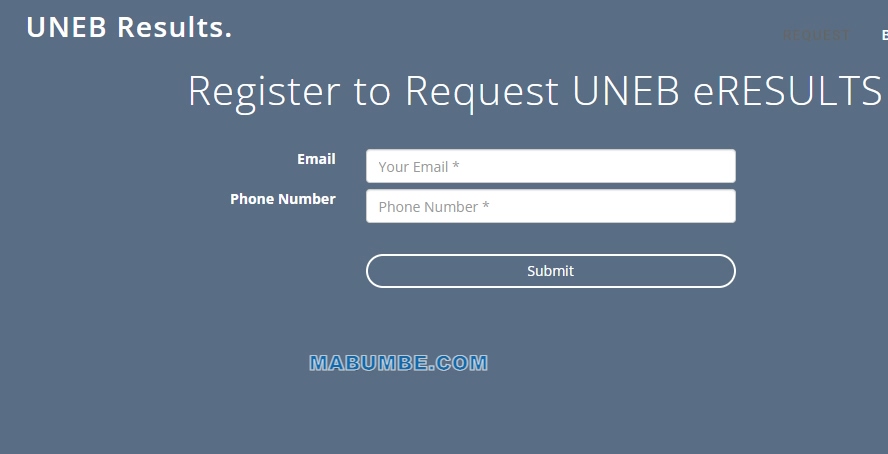
How to Check PLE Results Uganda by SMS
To check your Primary Leaving Examinations (PLE) results in Uganda via SMS, please follow the steps outlined below.
- Go to your device’s messaging app and compose a new message.
- In the ‘To’ field, enter the number 6600.
- In the ‘Message’ field, Type PLE <space> Index no.
- Send the message.
- You will then receive a reply in the form of an SMS with your PLE results.
NOTE: Each SMS costs 500/-
We hope this information has been useful to you. Good luck!
SUMMARY:
- Type PLE <space> Index no.
- Send to 6600. For example PLE 003400/001 and send to 6600.
- Each SMS costs 500/-
How to Check PLE Results On UNEB website online: A Step-by-Step Guide
1. Access the Uganda National Examinations Board (UNEB) website at www.uneb.ac.ug.
2. Click on the ‘Check Results’ link on the homepage.
3. Enter your index number in the box provided.
4. Click on ‘Submit’.
5. Your Primary Leaving Examination (PLE) results will be displayed on the page.
6. Print out or save a copy of your results for future reference.
7. If you are unsatisfied with your results, you can contact the Uganda National Examinations Board (UNEB) to make inquiries or file an appeal.
In conclusion, the steps to check PLE Results in Uganda are relatively straightforward, and can be done quickly and easily. All students need to do is log into the UACE Results portal, enter their index number, and then view their results. Additionally, students have the ability to download their results as well as print them out. By following these steps, students can quickly and easily access their PLE Results in Uganda.