
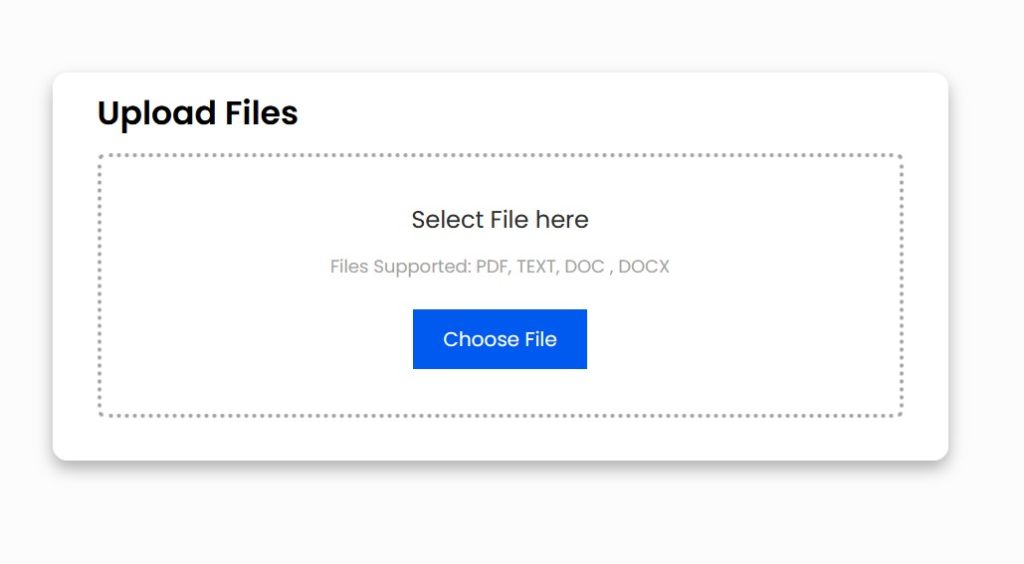
Uploading documents to the NSFAS (National Student Financial Aid Scheme) portal is an essential step in the application process, here’s a general guide on how to upload NSFAS documents:
- Access the NSFAS Portal:
- Login to your Account:
- Click on the “MyNSFAS” tab or the related login link.
- Enter your username and password to log in. If you haven’t registered an account yet, you’ll need to do so first.
- Navigate to the Documents Section:
- Once logged in, look for a section or tab that refers to ‘documents’, ‘uploads’, or a similar term.
- Upload Documents:
- Click on the ‘upload’ button or link.
- A window should pop up allowing you to browse your computer or device for the required document.
- Locate and select the document you wish to upload. It’s important that these documents are clear and legible. Ensure they are scanned copies or clear photos.
- Once selected, there might be an option to give the document a name or choose a document type/category (like “Proof of Income” or “Identity Document”).
- Click ‘upload’ or ‘submit’ after selecting each document.
- Review Your Uploads:
- After uploading, it’s a good idea to double-check and ensure that all necessary documents have been uploaded correctly and can be viewed clearly.
- Log Out:
- Once you have confirmed that all required documents are uploaded, log out of your account.
- Stay Updated:
- Check your email and SMS notifications regularly. NSFAS might send you updates or request further documentation or clarifications.
Tips:
- Ensure the documents are in acceptable formats (typically .pdf, .jpg, or .png).
- File sizes typically should not exceed certain limits (this limit should be specified on the portal).
- Make sure all documents are legible and of good quality.
Always refer directly to the official NSFAS website or guidelines provided by NSFAS for the most accurate and detailed instructions. If you encounter any issues or uncertainties, it’s a good idea to contact NSFAS directly or seek assistance from their support services.
Check Also: